PES, DST, JEF & More: Embroidery File Formats Explained
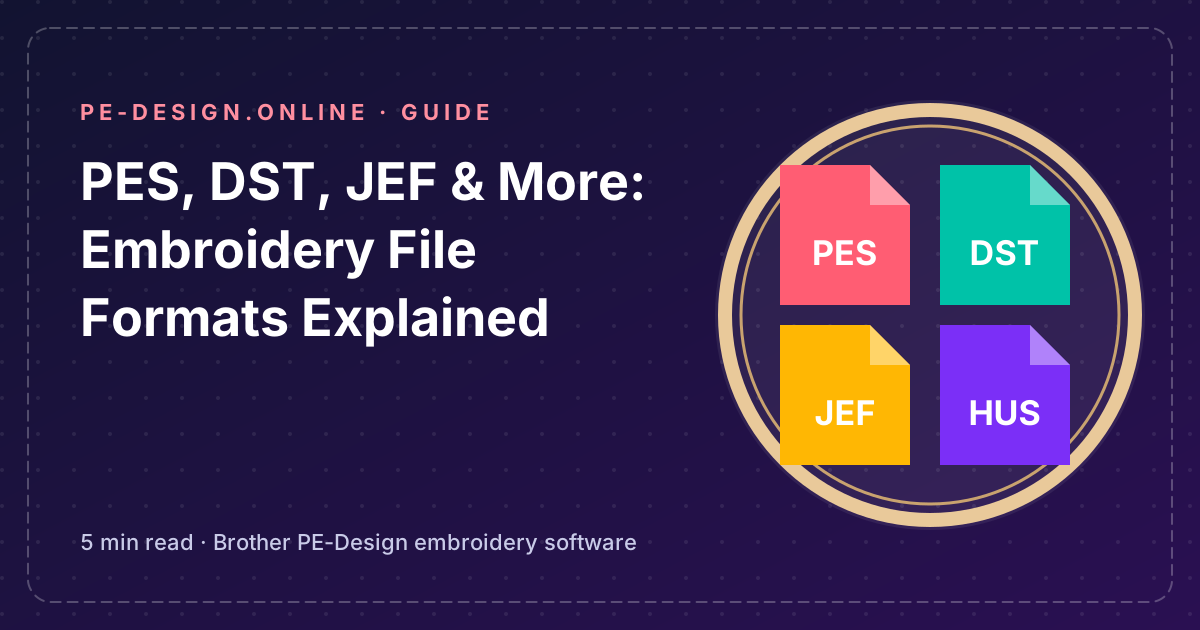
Embroidery machines use their own file formats. Knowing them avoids the classic problem: “I bought a design but my machine cannot read it.”
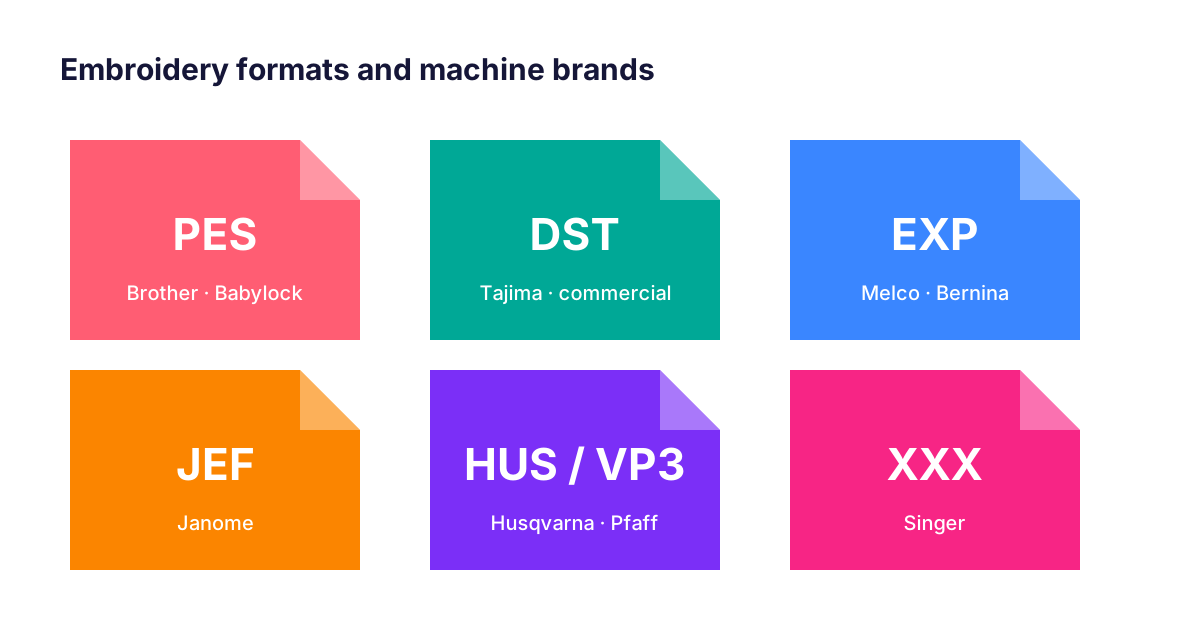
The most common formats
| Format | Brand | Notes |
|---|---|---|
| PES | Brother, Babylock | Native format of PE-Design; stores colours and design info. |
| DST | Tajima (commercial) | Universal format; stitches only, no real thread colours. |
| EXP | Melco / Bernina | Simple stitch format. |
| JEF | Janome | Janome home embroidery machines. |
| HUS / VIP / VP3 | Husqvarna Viking, Pfaff | Husqvarna and Pfaff machines. |
| XXX | Singer | Singer embroidery machines. |
Stitch files vs working files
A stitch file (PES, DST…) describes stitches. Resizing it a lot can damage quality because density is not recalculated. PE-Design’s editable objects — and Stitch-to-Block in PE-Design 10 and 11 — let you edit shapes so stitches are regenerated correctly.
Converting formats with PE-Design
- Open or import the design in Layout & Editing.
- Check the thread colours (DST files have no real colour information).
- Use File › Export and pick the format your machine needs.
Tip: keep your editable PES master and export copies for other machines.
FAQ
What is the best embroidery format for Brother machines?
PES. It is the native format of Brother and Babylock machines and of PE-Design.
Why does my DST file show wrong colours?
DST stores colour changes but not real thread colours. Assign the colours manually in PE-Design before stitching.